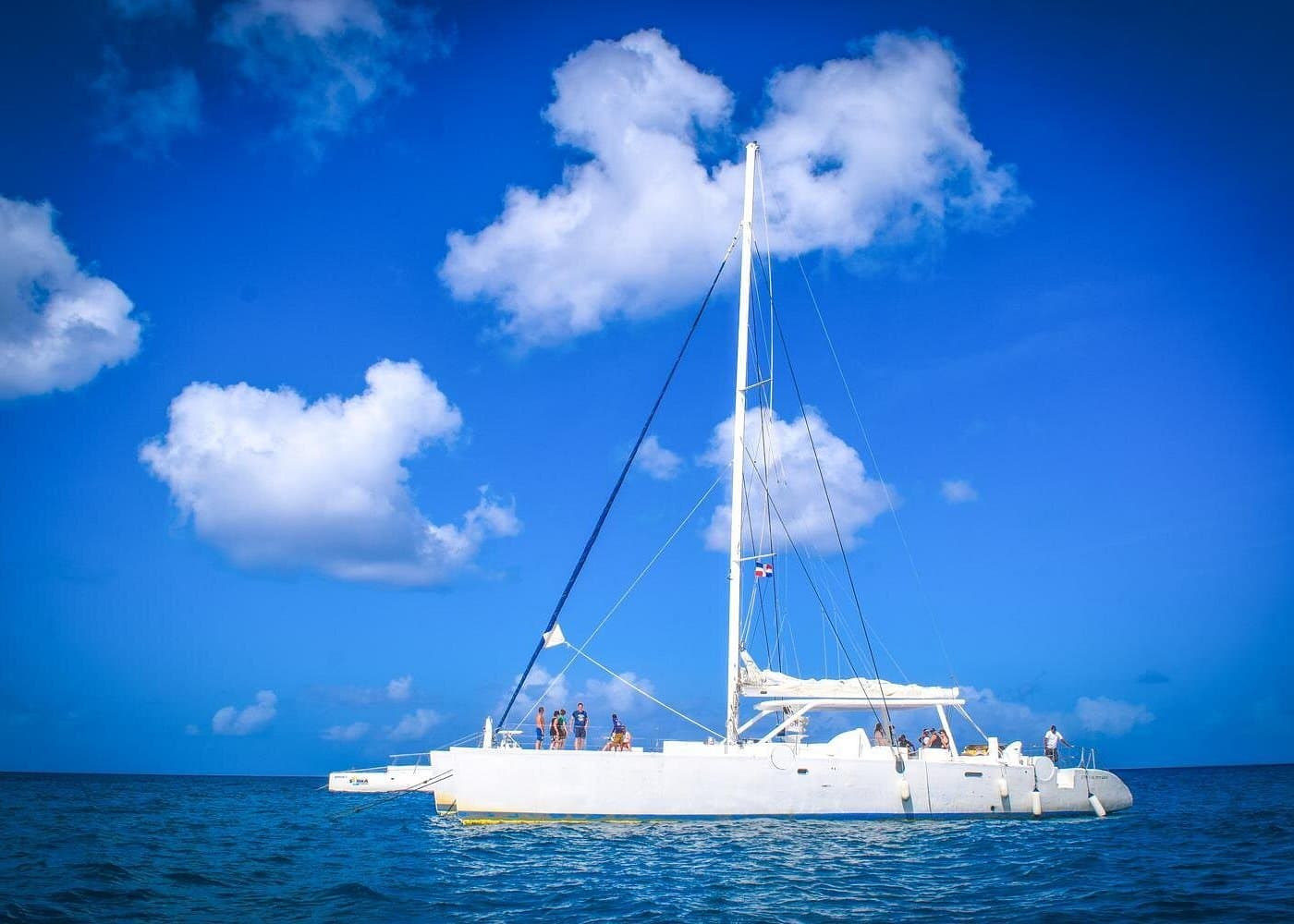
How to Protect Your Phone and Camera on a Saona Island Tour
A Saona Island tour offers plenty of opportunities to capture Caribbean scenery, turquoise water, sandy beaches, and memorable moments with friends or family. But spending time around boats and water also creates a challenge: keeping your phone, camera, and other electronic devices safe.
Water splashes, wet hands, sand, and accidental drops can damage expensive equipment. Even a phone advertised as water-resistant may not be suitable for every situation, particularly if its seals have worn down or it has previously been damaged.
The solution is to prepare before your excursion, use suitable protective equipment, and avoid unnecessary risks while taking photographs.
This guide explains how to protect your electronics during a Saona Island tour without missing the opportunity to document your trip.
Why Electronics Need Extra Protection on a Boat Tour
Boat excursions expose personal devices to conditions that are different from those you experience on ordinary sightseeing trips.
Potential risks include:
- Water splashes: Waves and spray can reach passengers and their belongings.
- Wet hands: Handling a phone with wet hands can increase the risk of dropping it.
- Sand: Fine particles can scratch screens, enter charging ports, or affect camera mechanisms.
- Accidental drops: A device dropped into the sea may be impossible to recover.
- Sun and heat: Direct sunlight and hot storage areas can cause electronic devices to overheat.
- Movement: A moving boat can make it harder to hold a phone or camera securely.
You do not need professional equipment to take good holiday photographs. However, a few precautions can help reduce the risk of losing your most important travel device.
1. Use a Suitable Waterproof Phone Pouch
A waterproof phone pouch can be a useful accessory for a boat excursion, particularly if you want to keep your phone accessible while protecting it from splashes.
Choose a pouch that is designed for your phone's dimensions and intended water exposure. Check the manufacturer's instructions, closure mechanism, and condition before your trip.
Before putting your phone inside:
- Inspect the pouch for holes, cracks, worn seams, or damaged seals.
- Follow the manufacturer's recommended leak-test procedure.
- Make sure the closure is completely secured.
- Test the touchscreen and camera functions if the pouch is designed to support them.
- Attach the pouch securely according to its instructions.
If the manufacturer recommends testing the pouch with a dry tissue inside before use, follow that procedure.
Do not assume that a pouch is safe for underwater photography just because it is advertised as water-resistant. Confirm its actual protection rating and intended use.
2. Do Not Rely Only on Your Phone's Water Resistance
Some smartphones have an IP water-resistance rating, but this does not make them waterproof in every circumstance.
Protection can vary with water depth, exposure duration, water conditions, and the device's age or condition. Previous repairs, impacts, and worn seals may also affect protection.
Saltwater is especially undesirable because it can leave corrosive residue. Sand and other particles may also damage vulnerable components.
For these reasons, use additional protection around the sea even if your phone is marketed as water-resistant. Avoid deliberately submerging it unless the manufacturer explicitly supports that use and the conditions fall within its stated limits.
3. Keep Your Camera Secure During the Boat Journey
If you are carrying a dedicated camera, secure it before the boat departs.
Consider these precautions:
- Use a suitable camera strap and keep it attached while taking pictures.
- Store spare lenses and accessories in a padded, closed bag.
- Use a protective case designed for your camera.
- Keep lens caps and covers available when equipment is not being used.
- Avoid placing the camera loosely on a seat, deck, or exposed surface.
- Follow the crew's instructions about where personal belongings may be stored.
A strap reduces the chance of an accidental drop, but it does not eliminate the risk. Avoid leaning over the side of the boat to capture a photograph.
If the boat is moving significantly or conditions make handling equipment difficult, put the camera away until it is safe to use.
4. Protect Your Devices From Sand
Saona Island's beaches are beautiful places for photographs, but sand can be troublesome for electronics.
Fine grains may scratch a phone screen, enter charging ports, or interfere with camera buttons and lens mechanisms.
To reduce exposure:
- Keep your phone in a closed pouch or case when you are not taking pictures.
- Use a protective bag for your camera and accessories.
- Avoid placing electronics directly on the sand.
- Keep devices away from beach bags containing loose sand.
- Do not connect charging cables while ports are wet or contaminated.
- Clean devices only according to the manufacturer's instructions.
If sand gets onto your phone or camera, avoid rubbing it across the screen or lens. Follow the manufacturer's cleaning guidance instead.
5. Prevent Overheating in the Caribbean Sun
Strong sunlight can heat electronic devices quickly, especially when they are left inside a parked vehicle, exposed bag, or other hot environment.
Overheating may cause a phone to dim its screen, slow down, stop charging, or temporarily disable certain functions.
During your excursion:
- Keep your device out of prolonged direct sunlight.
- Store it in a shaded, ventilated location when possible.
- Avoid leaving it inside a hot, enclosed vehicle.
- Close demanding camera applications if the device becomes unusually hot.
- Follow any temperature warnings displayed by the manufacturer.
Do not cool an overheated device by placing it in water, on ice, or in a refrigerator. Allow it to cool gradually in a shaded area according to the manufacturer's advice.
6. Carry a Dry Bag for Important Electronics
A dry bag can provide an additional layer of protection for items that do not need to remain immediately accessible.
Depending on its size and design, you may be able to use one for a phone pouch, camera accessories, power bank, spare memory cards, or other personal items.
Choose a bag suitable for the expected conditions, and follow its closure instructions. A regular backpack or fabric tote should not be assumed to offer waterproof protection.
Keep essential belongings organized so that you do not have to repeatedly open your bag near the water.
Remember that no protective bag should be treated as infallible. Keep valuable equipment away from the edge of the boat and avoid unnecessary exposure.
7. Be Careful When Taking Pictures From a Moving Boat
The excitement of a boat journey can make it tempting to take photographs continuously. However, handling electronics should never distract you from following safety instructions.
For safer photography:
- Listen to the crew before using your camera.
- Remain seated or in the designated passenger area when instructed.
- Keep your hands free for balance whenever necessary.
- Avoid standing in restricted areas for a better angle.
- Never lean over the side to photograph the water.
- Put your equipment away if the boat becomes unstable or the crew requests it.
If you want a photograph of the boat, coastline, or open sea, take it from an approved passenger position. A missed photograph is better than a damaged device or an unsafe situation.
8. Protect Your Phone During Beach Stops
When you reach a beach, you may want to take pictures while walking along the shore or enjoying the scenery.
Before leaving the boat, ask the crew where personal belongings can be kept safely. Do not assume that unattended valuables will be secure.
At the beach:
- Use your waterproof pouch when appropriate.
- Keep your phone away from wet towels and loose sand.
- Avoid leaving valuables unattended while swimming.
- Do not place electronics near the waterline where a wave could reach them.
- Keep track of your belongings when changing locations.
- Ask a trusted travel companion to help watch your belongings when practical.
If you intend to swim, consider leaving nonessential electronics in a secure location rather than carrying them into the water.
9. What to Do if Your Phone Gets Wet
If your phone becomes wet, act promptly and avoid testing it repeatedly.
- Remove it from the water as soon as it is safe to do so.
- Turn it off if it is safe and practical, especially if it has been exposed to saltwater.
- Disconnect cables and accessories.
- Gently remove surface moisture with a soft cloth.
- Follow the manufacturer's guidance for water exposure.
- Do not charge the phone while it may still be wet.
- Seek professional assistance if the device has been submerged, exposed to saltwater, or shows signs of malfunction.
Avoid using a hair dryer, direct heat, or compressed air to force moisture out of the device. Do not put it in rice as a substitute for proper care.
If a camera becomes wet, follow the manufacturer's specific instructions. Do not open sealed compartments or attempt repairs unless the instructions explicitly permit it.
10. Back Up Your Photos Before the Trip
Protecting your equipment is important, but protecting your memories is equally valuable.
Before leaving your accommodation:
- Back up important photographs and videos.
- Check that your cloud backup or other backup method is working.
- Free up enough storage space for new pictures.
- Charge your phone and camera batteries.
- Carry a spare memory card if your camera supports one.
- Keep any backup storage protected from water and heat.
Cloud backups may require an internet connection and can consume mobile data. If connectivity is uncertain during your excursion, complete your backup beforehand rather than relying on the island or boat having a reliable connection.
11. Should You Bring an Expensive Camera?
That depends on your photography goals and your willingness to manage the extra equipment.
A smartphone may be sufficient for ordinary travel photographs. A dedicated camera may be worthwhile if you want greater creative control, interchangeable lenses, or specific image quality.
Before bringing expensive equipment, consider:
- Whether the excursion offers suitable opportunities to use it.
- How securely you can carry and store it.
- Whether you have appropriate protection for water and sand.
- Whether your insurance covers accidental damage or loss during travel.
- Whether you would feel comfortable using it in the expected conditions.
Do not bring valuable equipment simply because you think you should. Choose gear that fits your plans and that you can handle safely.
12. A Simple Electronics Packing Checklist
Use this checklist before your Saona Island excursion.
For your phone
- Waterproof pouch or suitable protective case
- Charging completed before departure
- Backup of important photographs
- Enough free storage space
For a camera
- Camera strap
- Protective case or padded bag
- Lens cap and cleaning materials suitable for the equipment
- Spare memory card, if needed
For shared protection
- Suitable dry bag
- Secure place for valuables
- Booking details and tour provider contact information
- Any required charging accessories, kept dry
Check the operator's rules about personal belongings and what you may bring aboard. Avoid carrying unnecessary valuables.
Frequently Asked Questions
Do I need a waterproof phone case for Saona Island?
It is a useful precaution if you plan to use your phone near boats or water. Choose protection suited to the expected exposure and test it according to the manufacturer's instructions.
Can I take my phone into the sea at Saona Island?
Only consider doing so if the phone and its protective equipment are explicitly suitable for the intended use. Water resistance alone is not a guarantee against damage, particularly in saltwater.
Is a dry bag enough to protect a camera?
A suitable dry bag can help protect equipment when correctly used, but it is not a guarantee against water damage. Use a case and protection appropriate for your camera and the conditions.
What should I do if sand enters my phone's charging port?
Do not insert objects into the port or connect a charger while the port is wet or contaminated. Follow the manufacturer's cleaning instructions or seek professional assistance if necessary.
Can I charge my phone on a Saona Island tour?
Do not assume that charging facilities will be available. Start with a charged device and ask the tour provider about any facilities you may need.
Should I take photographs while the boat is moving?
Only when the crew's instructions and conditions allow it. Stay in designated passenger areas, maintain your balance, and put your equipment away when handling it becomes unsafe.
Final Thoughts
Protecting your phone and camera on a Saona Island tour does not require a complicated setup. A suitable protective pouch, secure storage, careful handling, and a backup of your photographs can go a long way toward reducing avoidable risks.
Prepare your equipment before leaving, follow the crew's instructions, and prioritize safety over getting the perfect picture.
To continue planning your visit, explore Saona Island Beach for more information about the destination. Before booking an excursion, confirm the provider's current itinerary, equipment rules, and arrangements for personal belongings.
Local explorer & expert guide in Dominican Place.